

Integrate all your eBay accounts into Urban Seller.
1. Go to Settings -> Multi Channels -> Ebay Accounts -> Add eBay Account

- Create a Friendly Name for your eBay account for your own convenience and click Save once done.
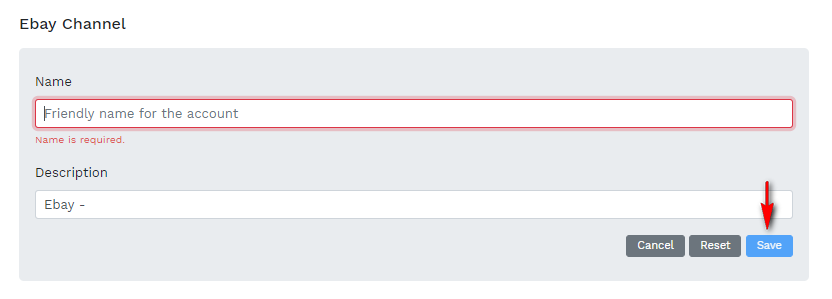
3. Once you click on "Save", check the address bar on the top right hand-side of the browser if appeared a block up notification. Click on the notification icon and then select the link as shown below.

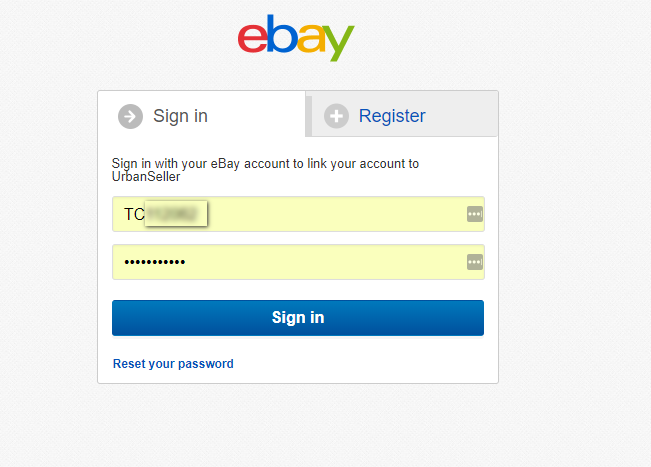
4. A pop up window will appear requesting you to fill in your eBay store credentials in order to proceed with the integration.
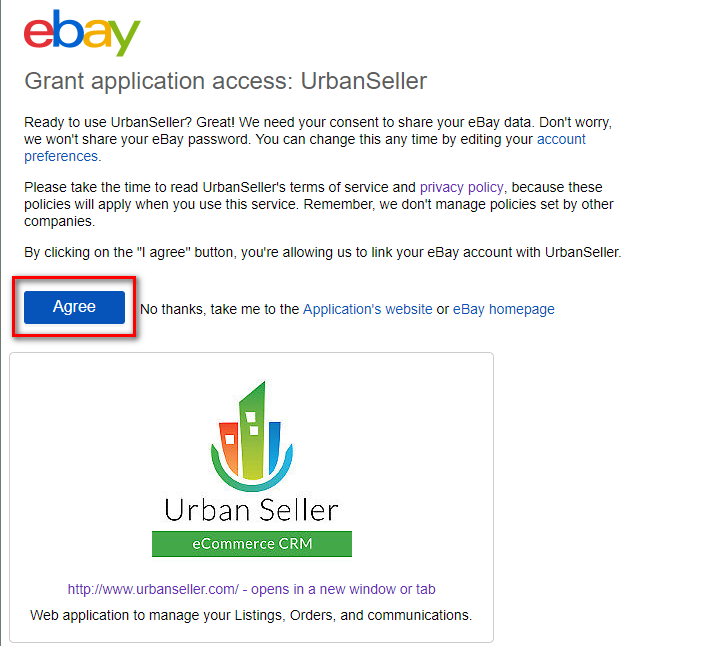
5. You should agree to provide rights to Urban Seller App to use the data on your eBay account.
6. Go back to your Urban Seller account -> Select message options if needed.

7. If you would like to see the Ebay Performance and Ebay Violations you need to Get Analytis Token.

8. Click Get Analytics Token Button. A pop up window will appear.

9. You should agree again to provide rights to Urban Seller App to use the data on your eBay account.

10. Finally click Save.
Your eBay account has been now integrated.
Comments
0 comments
Please sign in to leave a comment.