

1. In order to check a SureDone stock level, go to the Messages Section of your Urban Seller and click on the Product icon on the right hand-side corner.

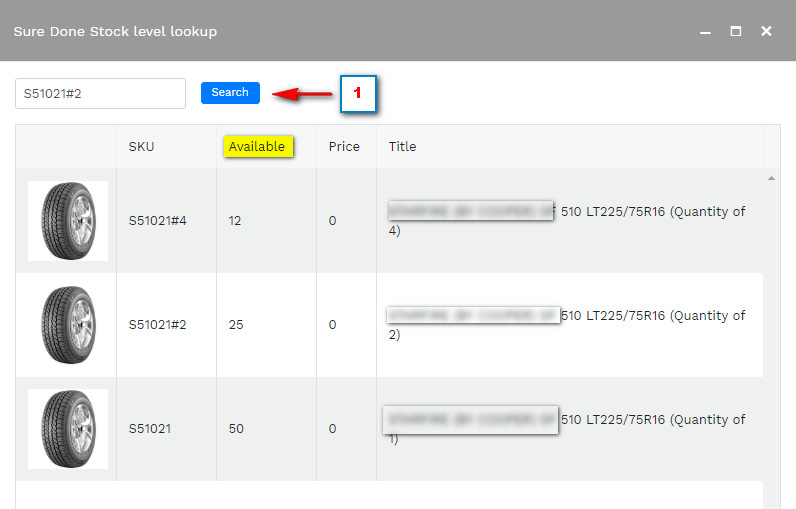
2. A pop-up window will appear where you need to enter the product SKU you are searching for.
(Urban Seller downloads the Stock Information Live, so the Availability of the product shown in Urban Seller will be the same as the one shown in your SureDone Account)
Comments
0 comments
Please sign in to leave a comment.